
TL;DR
- Online events usually fail for three reasons: unclear roles, no rehearsal and no plan B.
- Separate the host from the producer. The person on camera shouldn’t also be pressing buttons.
- Write a rundown and rehearse with every speaker on the setup they’ll use on the day.
- Prepare for what will go wrong, so the audience never notices.
- Budget for production as you would for a venue. A one-hour live starts at €900.
I’ve produced and hosted more than 1,000 live shows since 2015, with speakers joining from five continents. When an online event goes badly, it’s rarely the platform’s fault. It’s almost always one of three things: nobody knew exactly who was doing what, nobody rehearsed, or nobody had a plan for when something broke.
This guide follows an event from the first idea to the day after, and shows where each of those three problems is prevented.
What a virtual event producer does
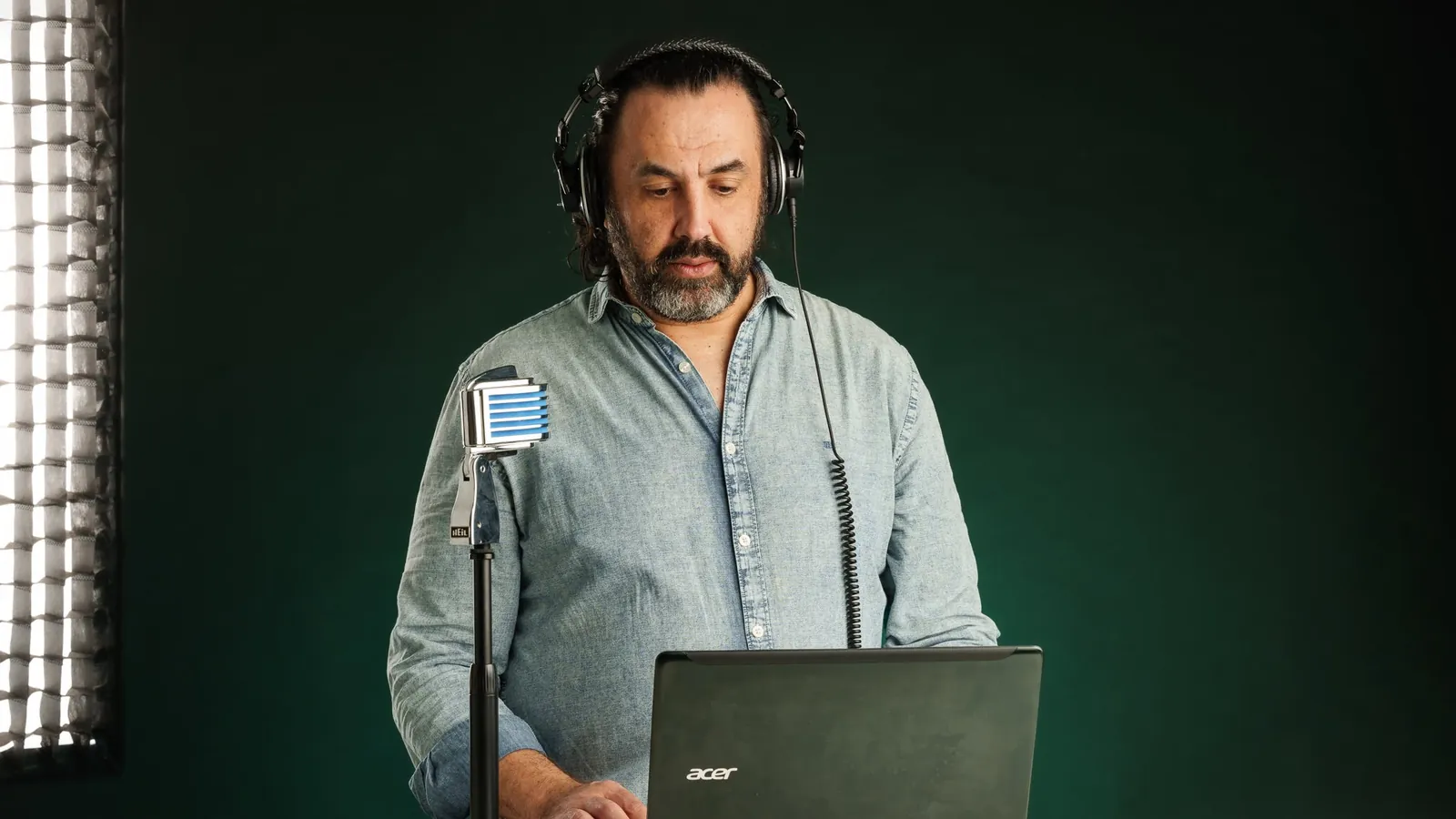
Think of a TV studio control room, but in the cloud. Someone brings speakers on and off screen, shows slides and videos at the right moment, watches the chat, keeps time and fixes problems without the audience noticing. That’s the producer.
The host talks to the audience. The producer makes sure the audience sees and hears what they should. Mixing the two jobs is where many events start to wobble.
Start with the goal, then choose the format
Before choosing any tool, answer four questions:
- What should the audience know or do when the event ends?
- Is it a talk, a panel, an interview, a product launch or a training session?
- Where will people watch: LinkedIn, YouTube, your website, several at once?
- Do you need registration, Q&A, polls or a recording?
The answers decide the format, and the format decides the tools.
Problem 1: unclear roles
Every event needs these roles, even if one person covers two of them:
- Host or moderator: guides the conversation and keeps the energy up.
- Producer: controls the stream, scenes, guests, graphics and timing.
- Chat moderator (for larger events): answers questions and passes the best ones to the host.
- Speakers: deliver the content. They need a briefing and a rehearsal, not just a link.
In a small event, the producer can also watch the chat. The host should never be the producer.
The tool that makes roles clear is the rundown: a minute-by-minute plan of the event. For each segment it says the time, who’s on screen, what’s shown (slide, video, banner) and any notes for the producer. Everyone works from the same page, so nobody has to improvise the important parts.
Then close it, and keep it closed. Agree a date after which the rundown, the script and the slides don’t change. Last-minute changes are one of the most common causes of mistakes on air. The producer is working from the version everyone said was final, and the speaker is talking about another one. If a change is truly unavoidable, send the new file with a clear new version name and confirm with the producer that it’s the one loaded.
And retire “next slide, please”. It breaks the speaker’s flow, shows the audience the backstage, and there’s always a small delay between the request and the change. Better options:
- Mark the cues in the script: write in the speaker’s script or rundown the sentence that triggers each slide, so the producer changes it on that sentence.
- Let the speaker control their own slides, when the tool allows it and the speaker is comfortable.
- Agree a discreet signal in the rehearsal, such as a gesture or a word, if neither of the above is possible.
Problem 2: no rehearsal
An event is only as good as the weakest connection on screen. The rehearsal is where you find it, while there’s still time to fix it.
A realistic timeline:
- 3–4 weeks before: goal, format and platform defined, speakers confirmed, registration open.
- 2 weeks before: first rundown, graphics ready, slides and videos collected.
- 1 week before: technical rehearsal with each speaker, in the same room and on the same equipment they’ll use. Check audio, camera, light, internet and screen sharing.
- On the day: producer in 60 minutes early, speakers in the backstage 30 minutes early.
Send speakers clear guidelines before the rehearsal: cable internet if possible, wired headphones (Bluetooth can lag, drop or run out of battery), a quiet room, light in front of them, camera at eye level. The same goes for the host. As a producer, I always wear wired headphones to monitor the sound. I wrote a full guide you can forward: How to be a great live guest.
Problem 3: no plan B
Something will go wrong. The question is whether the audience notices. Prepare in advance for the usual suspects:
- A speaker drops out: have a holding slide ready and a topic the host can talk about for a few minutes.
- A video won’t play: keep it as a file on the producer’s computer, not only as a link.
- The producer’s internet fails: have a backup connection ready, even if it’s a phone hotspot (with the phone charged and plugged in).
- A platform has problems: stream to a second destination so the event carries on.
Which tools to use
I usually produce with StreamYard: it’s reliable, runs in the browser and is easy for speakers, who just click a link. It also streams to LinkedIn, YouTube and other platforms at the same time. Other tools are fine when a client needs them. The tool matters much less than the preparation.
How much virtual event production costs
It depends on the duration, the number of speakers, the destinations and how much preparation is needed. As a reference, I produce a one-hour live from €900, including the rundown and production documents. Longer events and multi-day conferences are quoted by proposal. See live production for what’s included.
After the event
The event ends, but its content doesn’t have to. Share the recording with attendees, cut the best moments into short clips and turn the main ideas into an article. A single event can feed weeks of content. If you want it to keep bringing people to you, read Get found, not chased.
Planning an online event?
If you want it to run without surprises, book a free 15-minute call and tell me what you have in mind. If your team would rather learn to produce in-house, there’s training for that.
FAQ
Can’t we just use Zoom?
For internal meetings, yes. For a public event you’ll want your branding on screen, control over what the audience sees and streaming to where your audience already is. That’s where a production tool and a producer make the difference.
Do speakers need special equipment?
Usually not. Wired headphones and a decent mic, good light, cable internet and a webcam or a phone in landscape on a stand are enough. If it’s a phone, it should be fully charged, with a charger or power bank within reach. The rehearsal shows what needs fixing.
Can the whole production be remote?
Yes. All my productions are remote, and speakers can be anywhere in the world.
How far in advance should we book?
Ideally three to four weeks. Less is possible, but it leaves less time for rehearsals.